Replacing a laptop screen can seem daunting, but with the right preparation, it becomes a manageable task. The first step is to assess the extent of the damage to determine if a replacement is necessary. Issues like visible cracks, flickering, dead pixels, or a dim screen often indicate that the screen itself needs replacing. Ensuring that the problem isn't due to faulty connections or internal components is crucial before proceeding with the replacement.
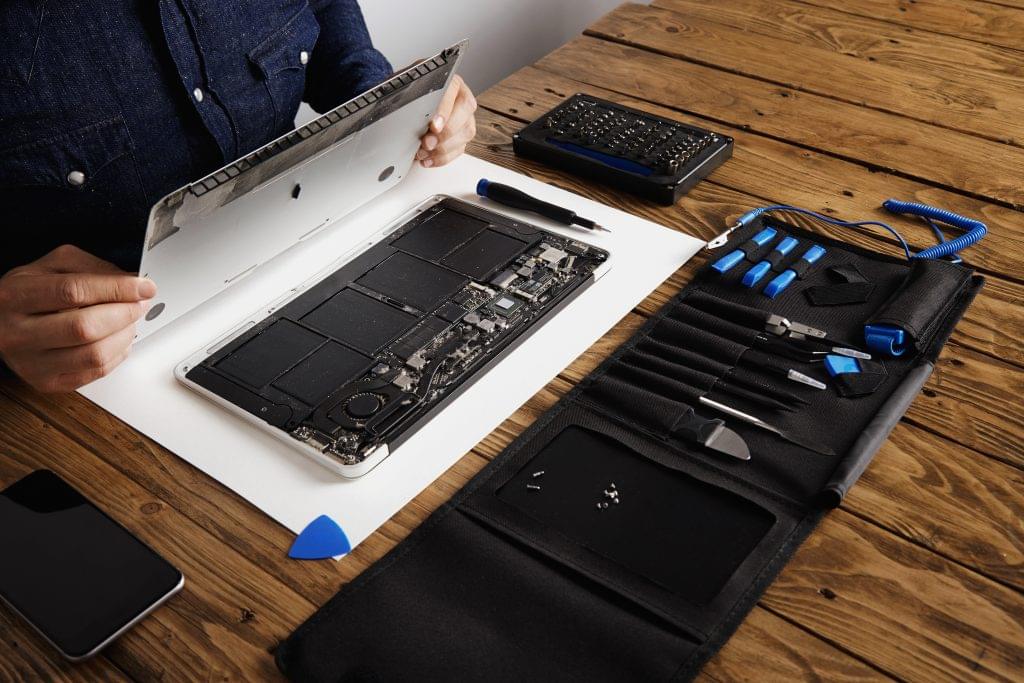
Once you've determined that a screen replacement is needed, gather the necessary tools and materials, including a compatible replacement screen, small Phillips and flathead screwdrivers, a plastic prying tool, and a clean, static-free workspace. Start by powering off the laptop, unplugging it, and removing the battery if possible. Carefully remove the bezel, the frame around the screen, using the prying tool to avoid damaging the plastic clips. After removing the bezel, unscrew the broken screen and gently tilt it forward to disconnect the video and any other attached cables.